🍺📽️
Patricks Demo
Let’s get started.
Code Highligting
package main
import "fmt"
func main() {
    fmt.Println("Hello world!")
}
Fragments
- One
- Two
- Three
- one more
One more blue slide
Table Example
| Function | Victron VE.Can side | Battery side |
|---|---|---|
| GND | Pin 3 (green/white) | Pin 2 (Orange) |
| CAN-L | Pin 8 (brown) | Pin 5 (blue/white) |
| CAN-H | Pin 7 (brown/white) | Pin 4 (buee) |
Gallery Plugin


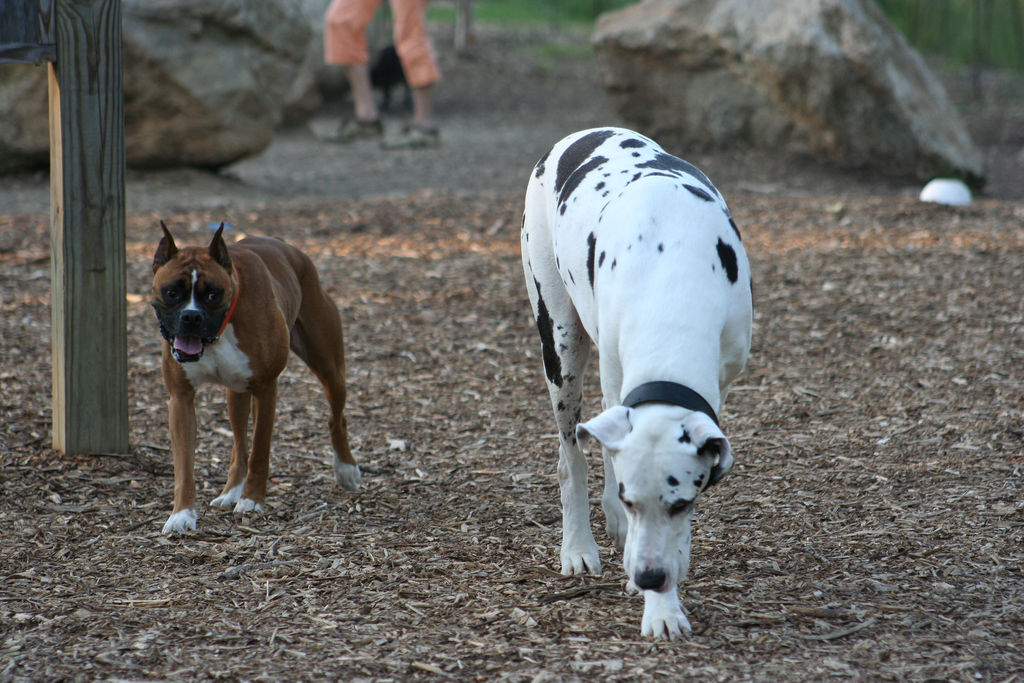
Source Code Highligting
package main

import "fmt"

func main() {
    fmt.Println("Hello world!")
}
Options
1package main
2
3import "fmt"
4
5func main() {
6    fmt.Println("Hello world!")
7}
Vertical Slides
Vertical slide 1
Press the down arrow on your keyboard!
Vertical slide 2
One more
Vertical slide 3
Press the arrow key up…
Auto-Animate
Auto-Animate
Video
Background loop
TAKE A MOMENT
Press B or . on your keyboard to pause the presentation. This is helpful when you’re on stage and want to take distracting slides off the screen.
“UNIX is very simple, it just needs a genius to understand its simplicity. Dennis Ritchie
One more
“Experience is the name everyone gives to their mistakes.” – Oscar Wilde”